


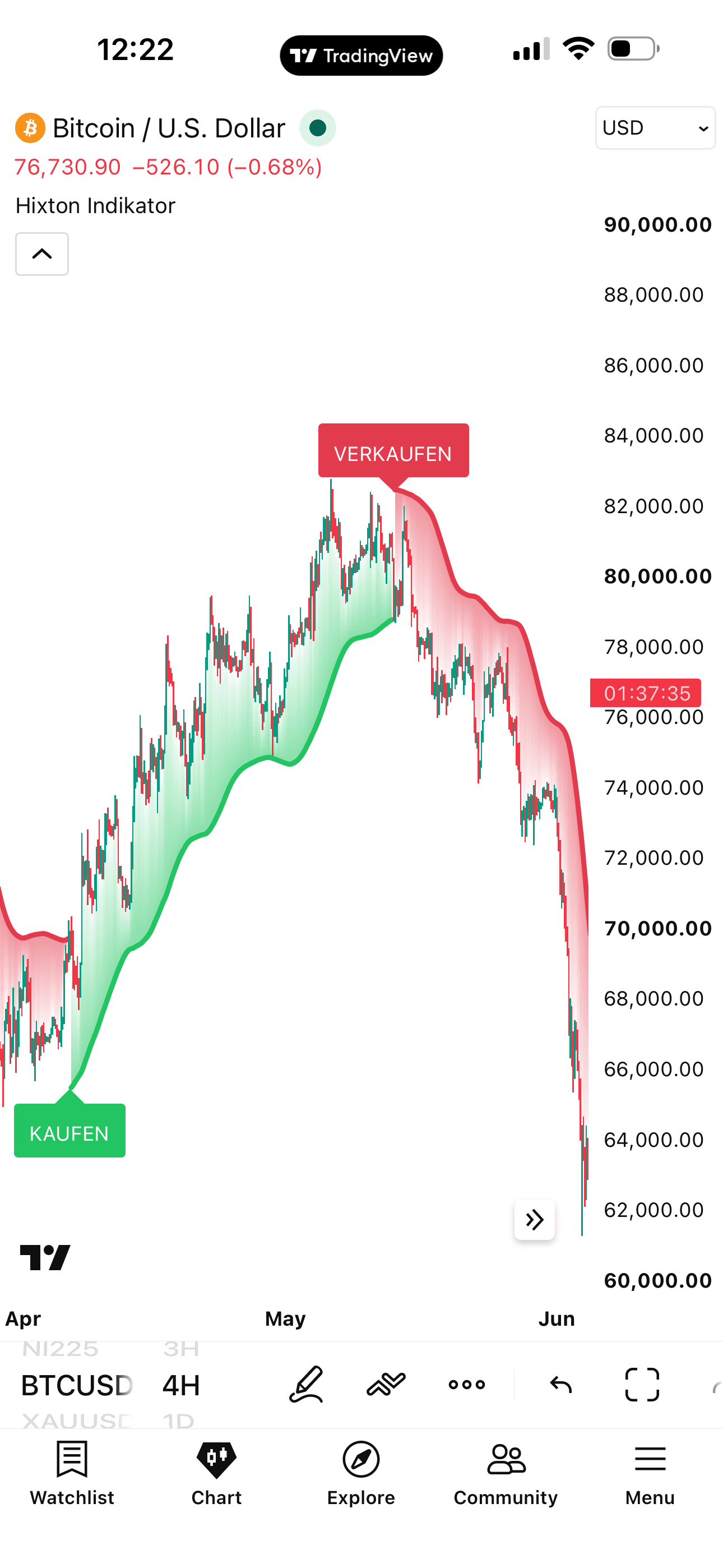
Hixton Indicator
Use the indicator anytime, on any ticker (BTC, AAPL, etc.) and on any timeframe (daily, weekly, 5-minute etc.)
Spot potential setups directly on your TradingView and MetaTrader charts. The Hixton Indicator clearly marks possible entries and exits on your chart.
Unlock once – use it everywhere:
 BitcoinBTC
 AppleAAPL
 Euro+ all others+ all
 TradingView
 MT4
MT4 MT5
MT5The Hixton Indicator visualises potential setups in stocks, crypto and forex — it filters out market noise and highlights high-probability chart setups.
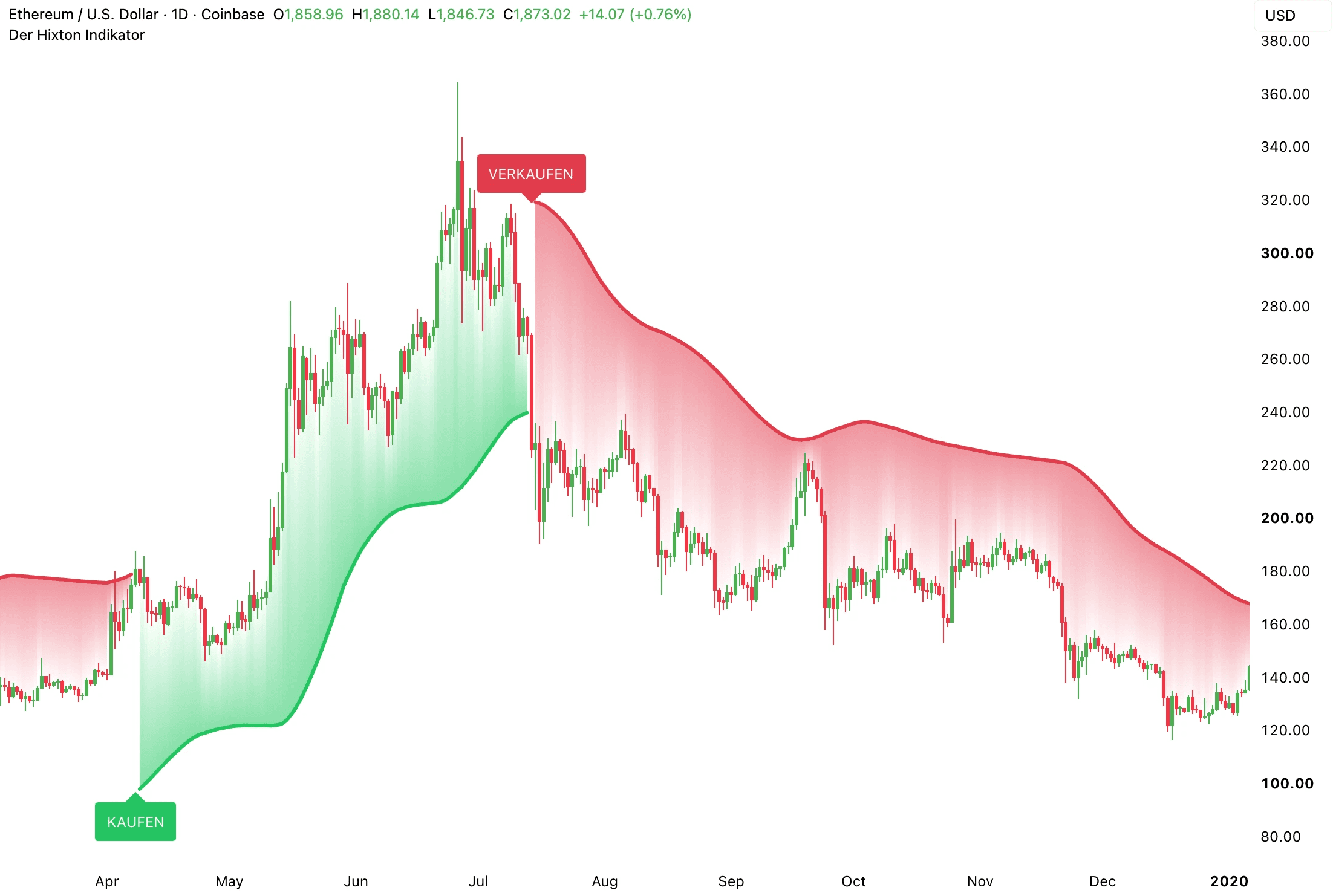
Stock, coin or forex pair — the Hixton Indicator works on every ticker.
Pick any stock, coin or forex pair on TradingView or MetaTrader – the Hixton Indicator does the rest.
Sign up and unlock the Hixton Indicator.
Activate it once and the indicator draws the setups right on your chart.
Use the signals to spot possible entries, exits and zones as they form.
Start in 2 minutes
Individual results submitted by users.
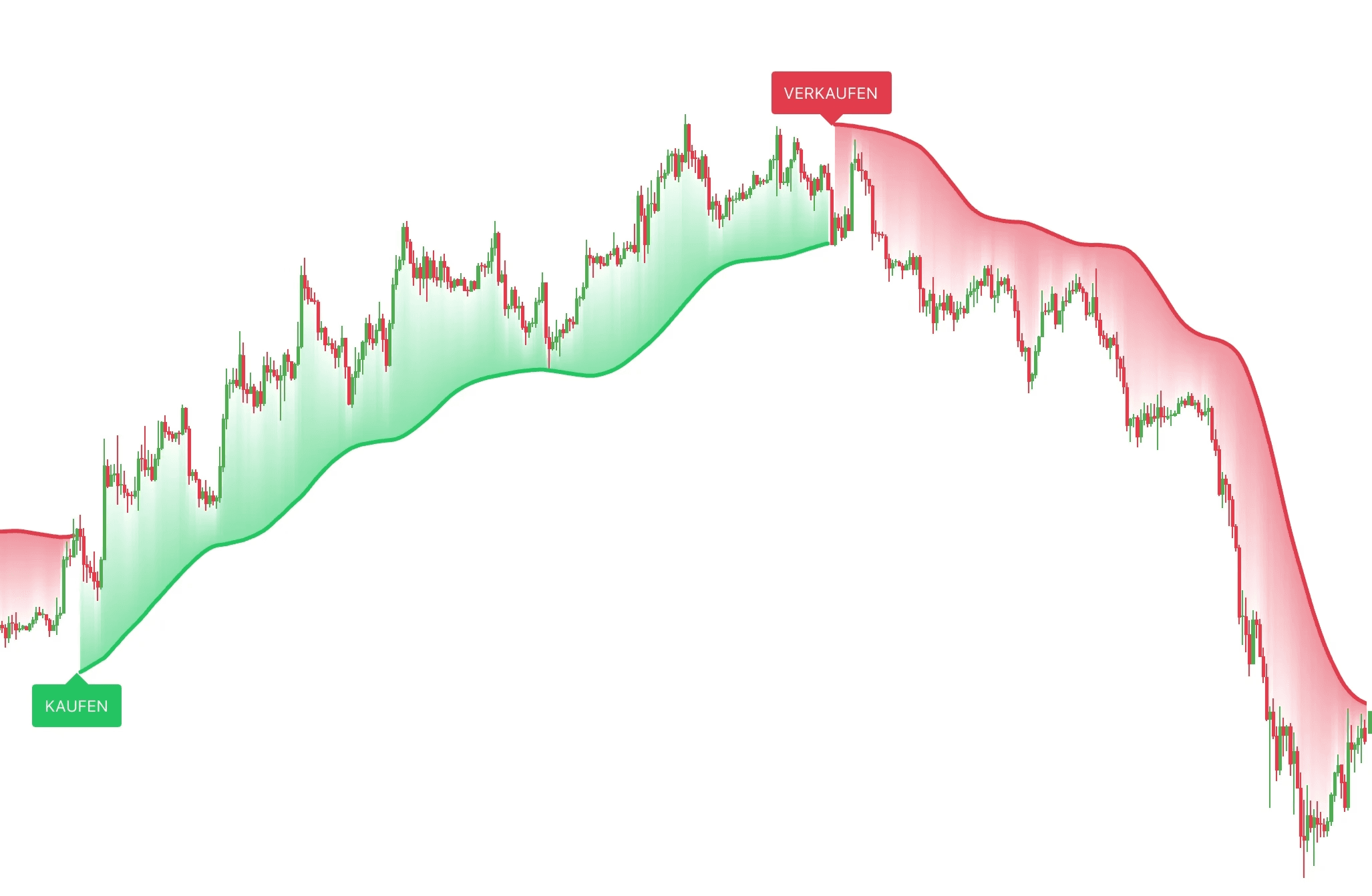
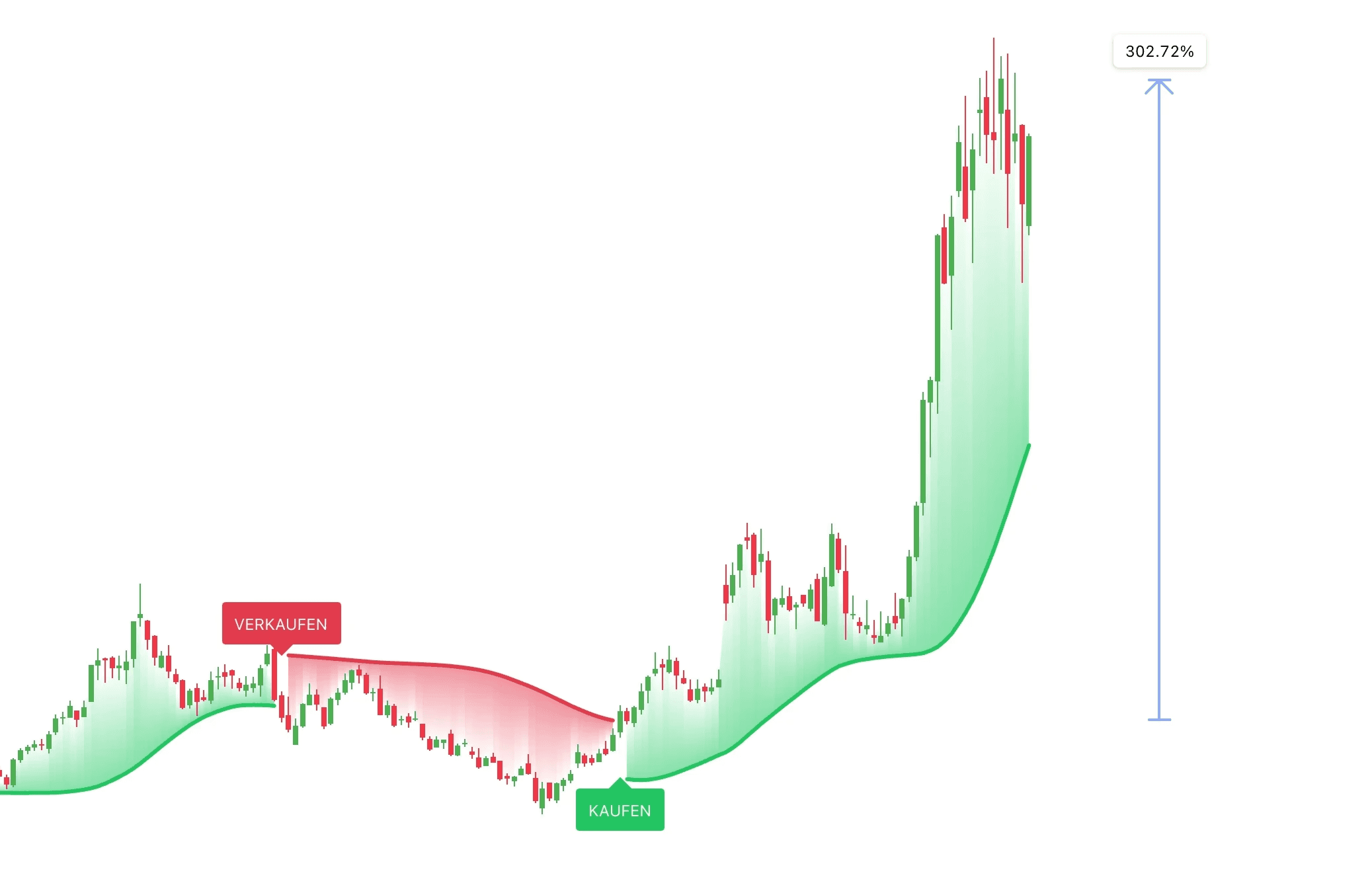
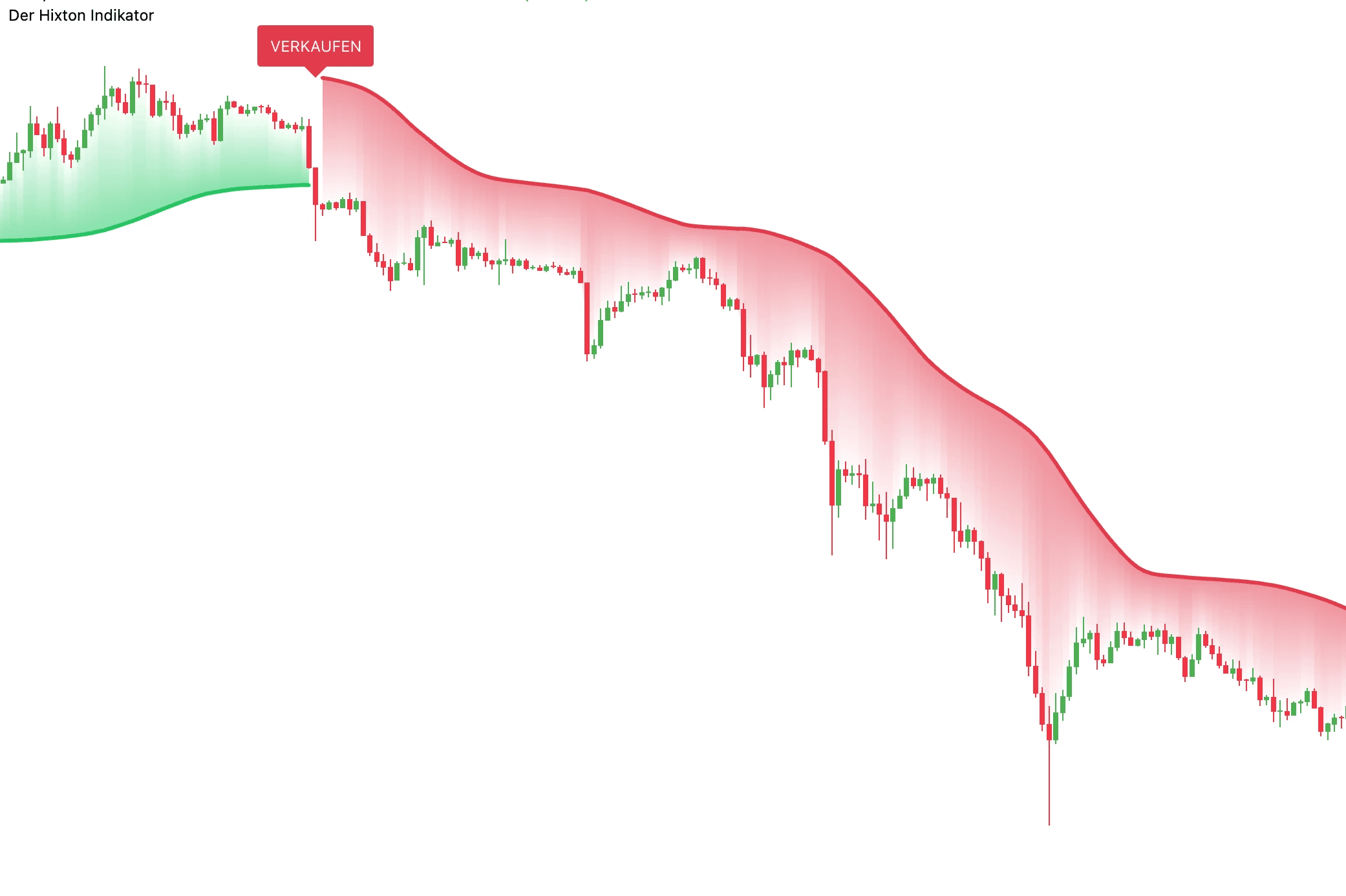
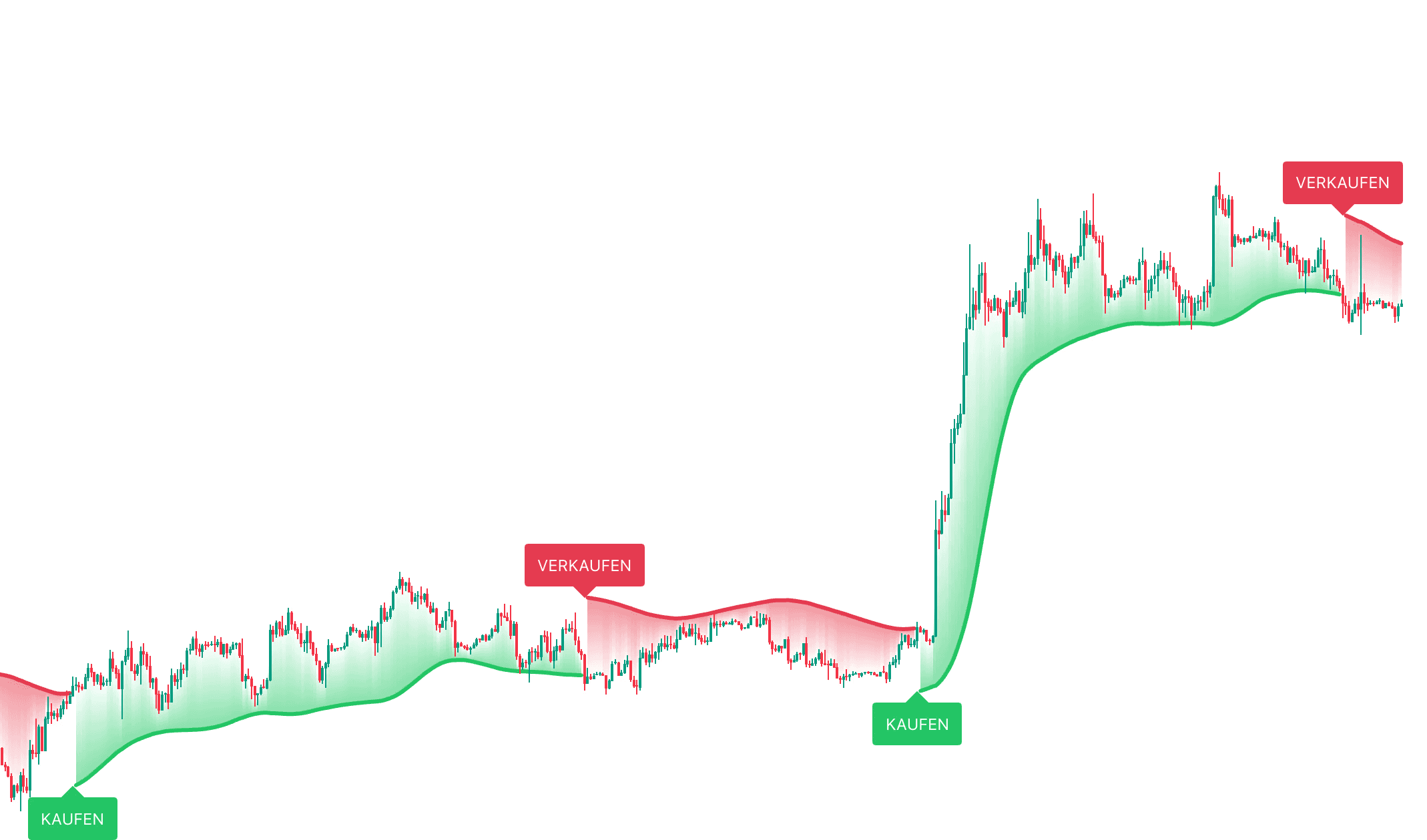
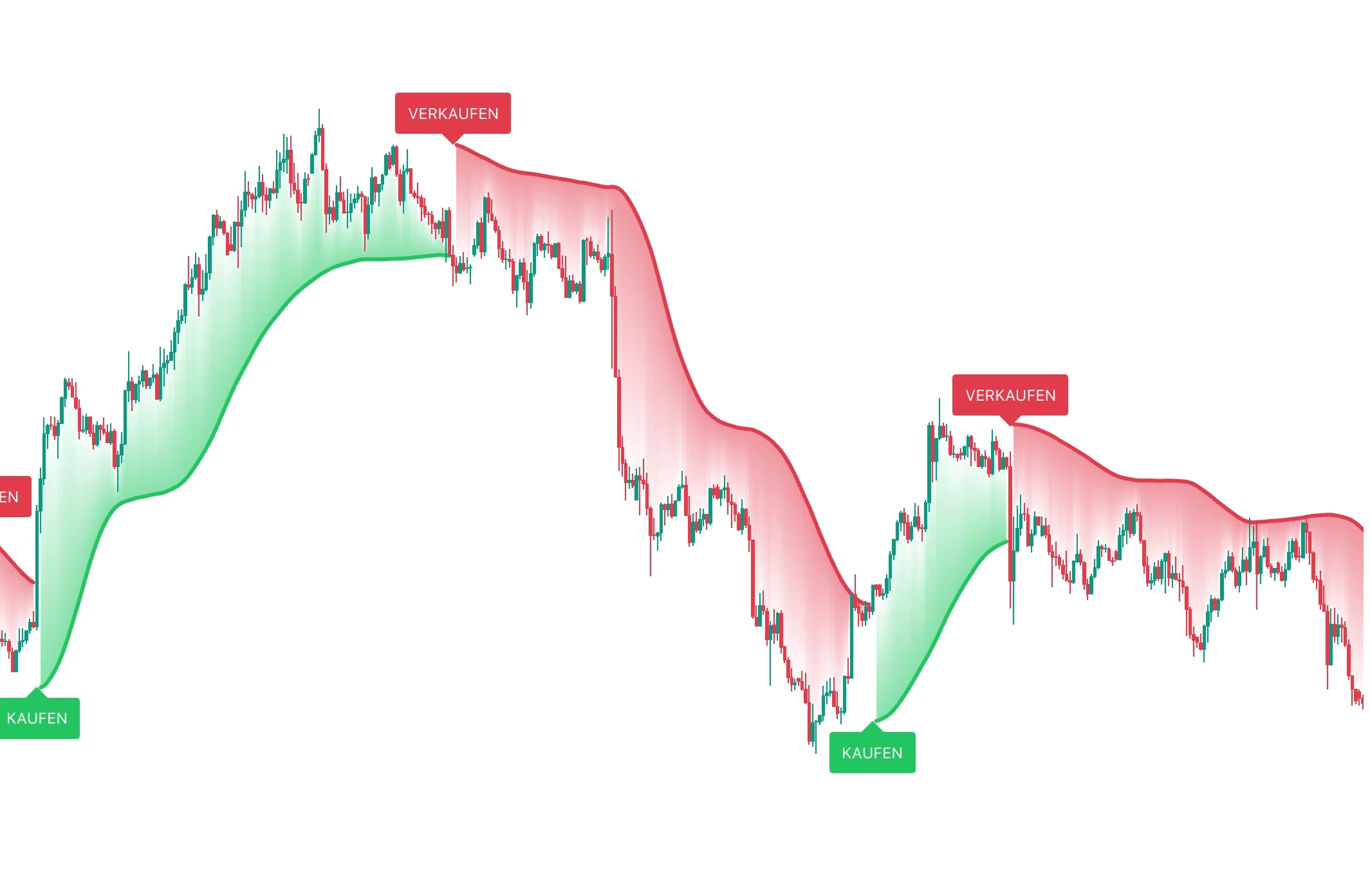
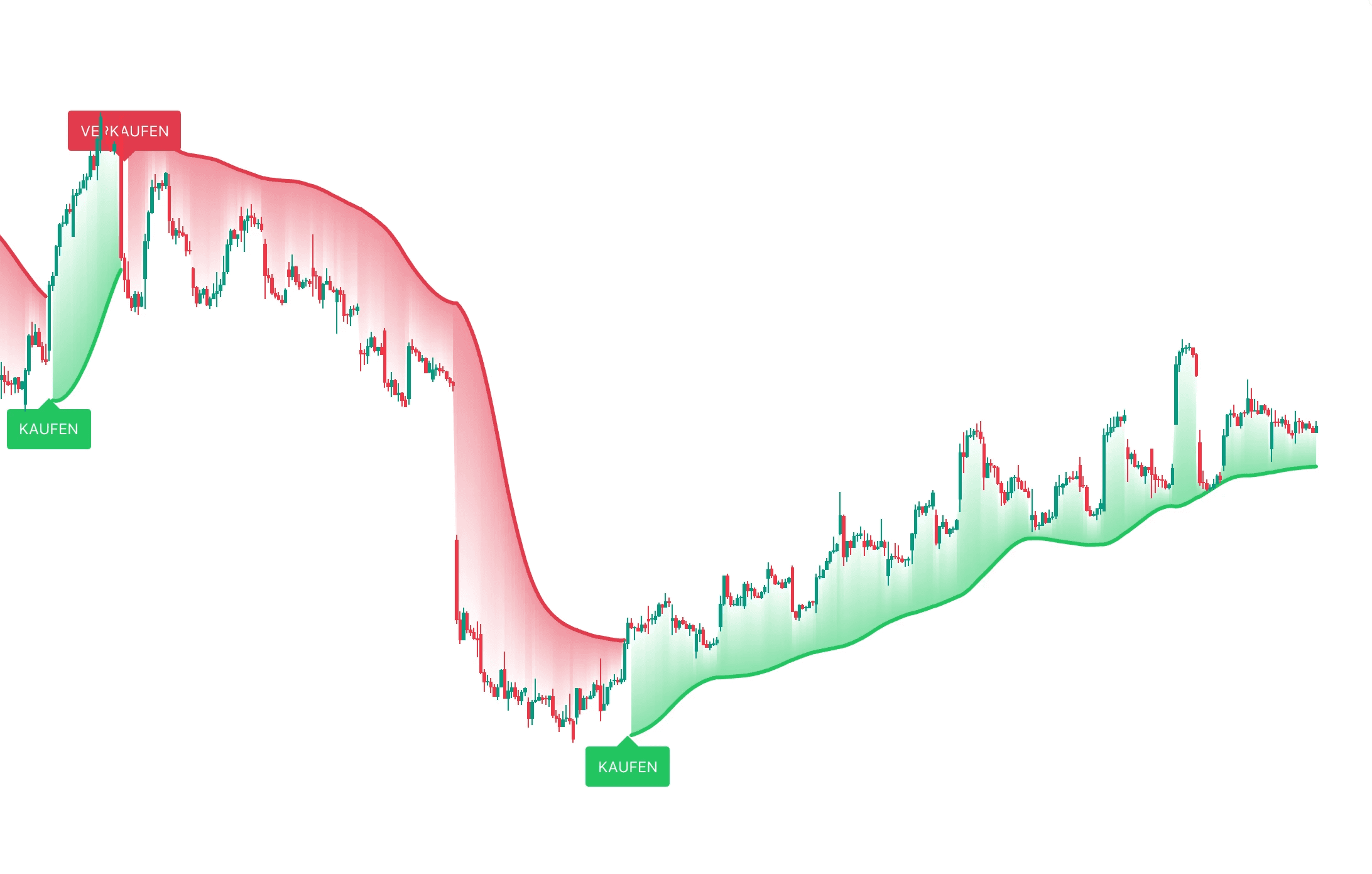
*These examples are no guarantee of future results.
Your access includes three things — each with its own job.
Use the indicator anytime, on any ticker (BTC, AAPL, etc.) and on any timeframe (daily, weekly, 5-minute etc.)
Follow a clear system that explains every step in plain terms.
Get fast help and individual answers whenever you need them.
 , MetaTrader 4, MetaTrader 5
Secure checkout · Instant lifetime access





Feedback from our community.
Been using the indicator for a few weeks now for crypto and stocks. Really good experience so far – the signals hit surprisingly often.
Setup was way easier than I expected. Everything was well explained and I was up and running after a couple of minutes. Great!
I had a question about the setup at the start and got an answer the same day.
Has worked really well on the 5-minute and the daily chart.
Everything you need to know before you start.
The Hixton Indicator runs on TradingView and works on any ticker (Bitcoin, Gold, Apple, etc.) and on any timeframe (1-minute, 5-minute, 15-minute, 1-hour, 4-hour, daily, weekly, etc.).
Yes! It's incredibly easy to use. The indicator is completely beginner-friendly while still offering valuable insights for experienced traders. On top of that, we've added a free course that explains exactly how it works.
Instantly. You can download the indicator right away and use it on all your devices. Since it runs on TradingView, you only have to set it up once (our simple step-by-step guide shows you exactly how).
The Hixton Indicator works reliably across the board — from the 1-minute chart for quick scalps to swing trading on the weekly chart. You decide which style suits you best.
No, the Hixton Indicator does not retroactively change its past signals.
After downloading the indicator, you can register with TradingView for free — you don't need a separate paid plan!
Sign up and unlock the Hixton Indicator.
Get access →The Hixton Indicator